CPU activity
Switch between CPU load and free capacity.
BackTempo Sensor · macOS
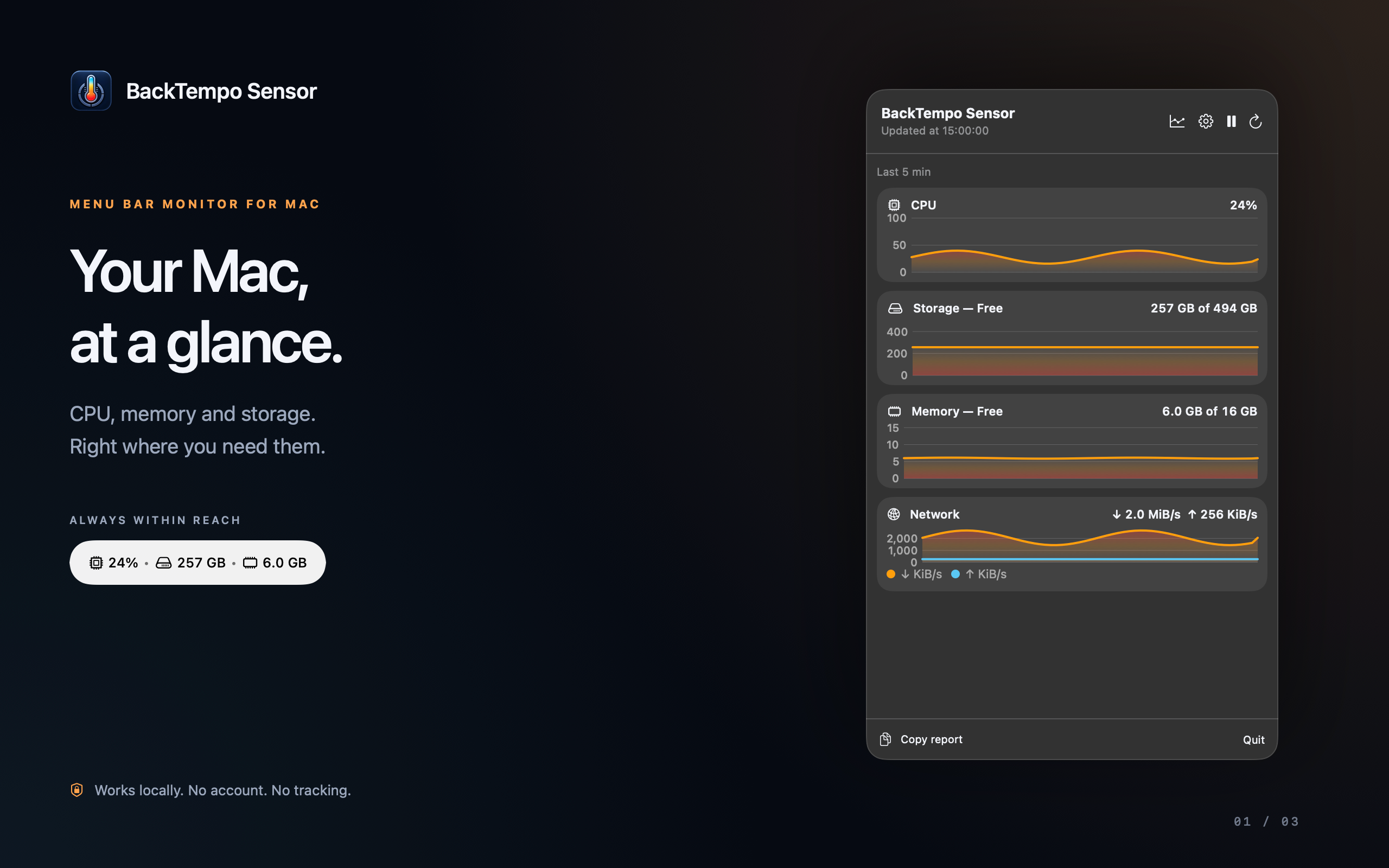
CPU, memory, storage and network activity in your menu bar and a focused dashboard. Check what matters, then get back to your work.
macOS 13+ · Apple Silicon & Intel · No account
Awaiting App Store approval. Sensor App Store listing — the listing may not be available until approval.
This page describes the Mac App Store edition. Hardware temperatures and individual process inspection are not included.

Useful system readings
Follow current values and the last 1, 3 or 5 minutes. Choose an update interval from 3 to 30 seconds.
Switch between CPU load and free capacity.
Available and used space on your system disk, in GB or MB.
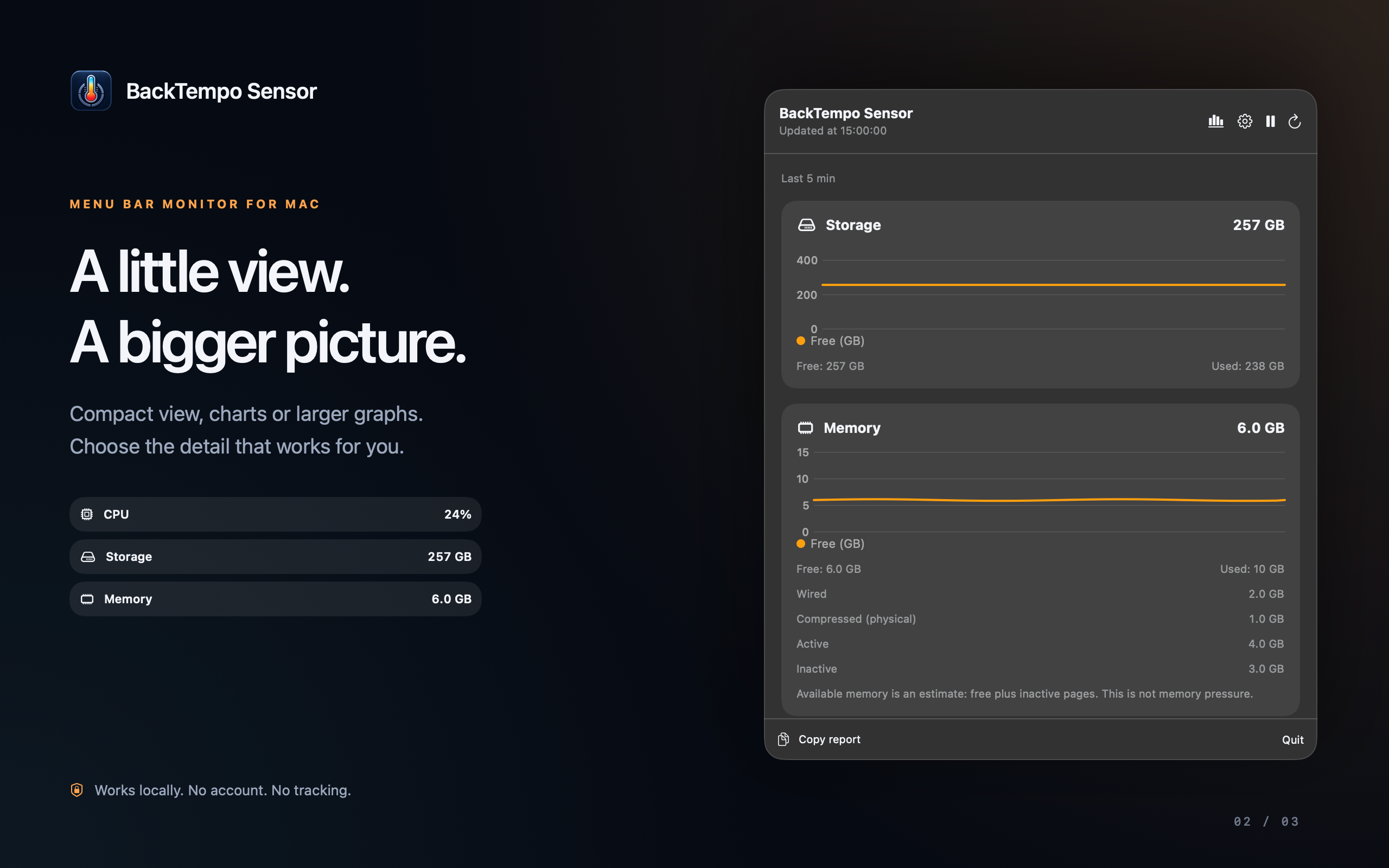
Estimated available RAM, plus wired, compressed, active and inactive memory.
See how much swap macOS has allocated and is using.
Follow download and upload rates across Wi-Fi and Ethernet.
Charge level and power state on supported Mac notebooks.
Choose your view
Cycle through layouts with the header button or select one in Settings. Your choice stays with you between launches.
Just the readings for a quick check.
Short, filled graphs with readings in each card header.
Larger graphs and additional details when you want a closer look.
Inside the app
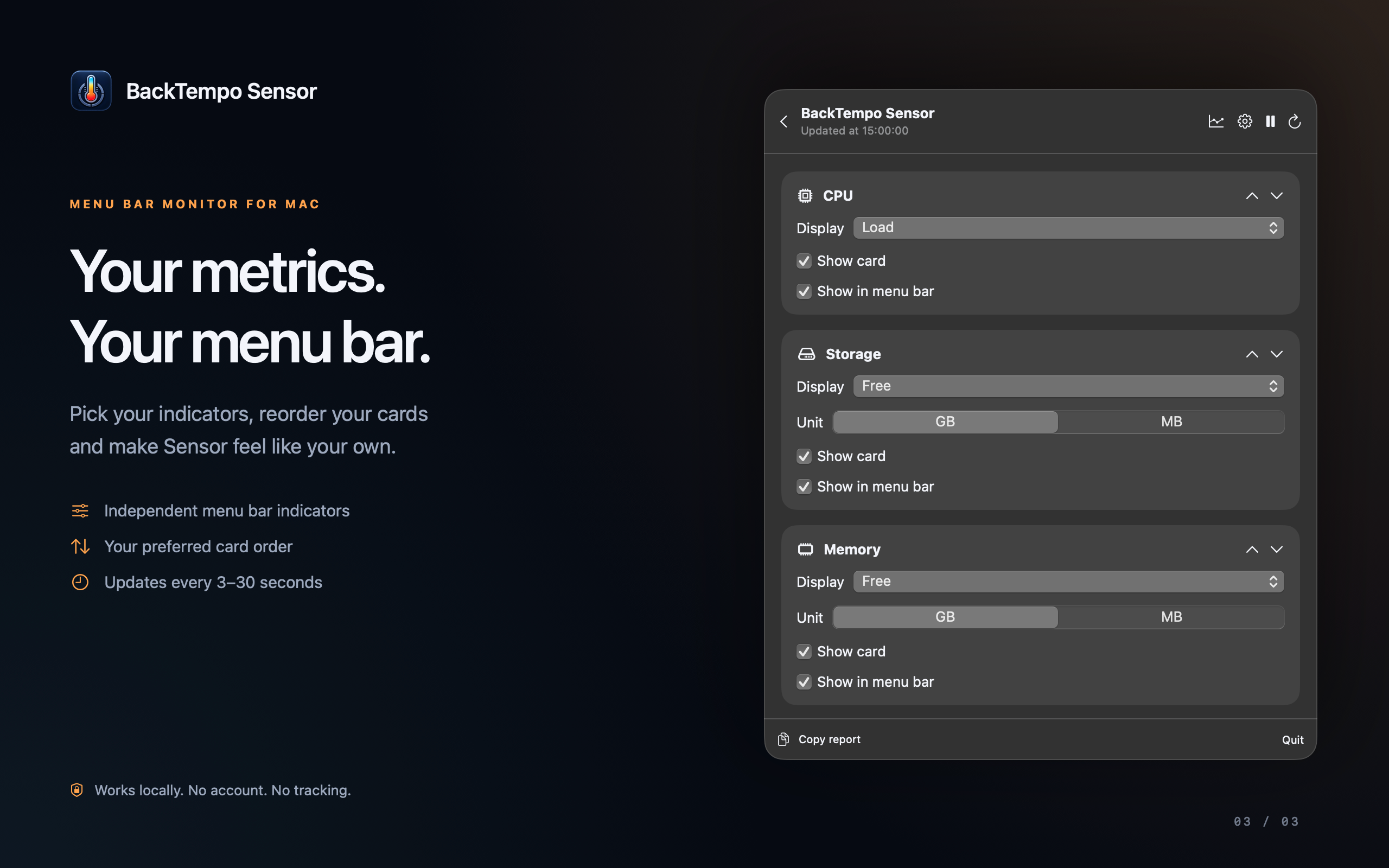
Choose menu indicators independently of dashboard cards, arrange your preferred order and set an in-app low-storage warning.
On your Mac
Sensor needs no account or internet connection and does not send your readings to a server. Recent chart history stays in memory; your preferences are stored locally.
Copy Report places a system summary in your clipboard only when you choose to copy it.
Read the Sensor privacy policyNeed a hand?
Learn how to open Sensor, choose your readings and understand storage, memory and network values.
Open Sensor support